

Browser Sessions tab
The Browser Sessions tab of the Settings screen (/settings?tab=browser-sessions) lists every browser session this Testver server is tracking and lets you close them.
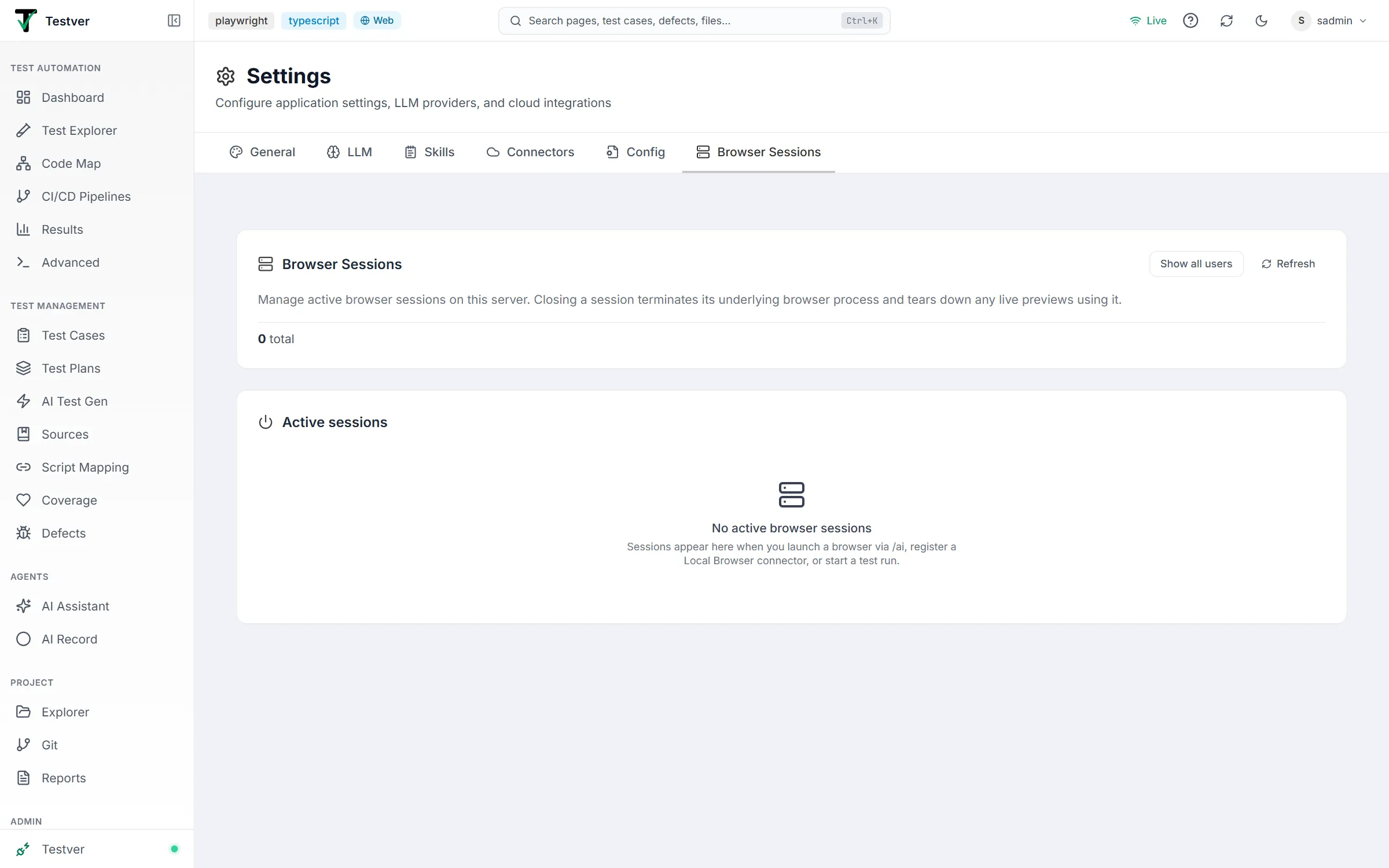
The Browser Sessions tab lists every browser session this Testver server is tracking and lets you close them. The list refreshes automatically every 5 seconds; Refresh updates it on demand.
Sessions come from five sources, each with its own colored badge:
| Source | Badge | What it is |
|---|---|---|
| Server | Server (brand) | A server-side per-tab browser process — one per active AI Assistant tab using server-side mode. Shows start time, process id (pid), and tab count. |
| Local | Local (green) | A local browser connector running on someone’s own machine. Shows connect time, machine, OS, and tab count. |
| Test run | Test run (amber) | An active test execution (for example npx playwright test). Shows start time, framework, the runner’s pid, and the running command. Admins only. |
| Run browser | Run browser | A live browser opened by a test run that is still going (Test Explorer, Runner or an AI-triggered run), shown next to the run itself. |
| Orphaned | Orphaned | A browser a finished run left open. It has no owner, so anyone can close it. |
Header and summary
Section titled “Header and summary”The top card shows totals and, for admins, controls to widen the view:

| Element | What it does |
|---|---|
| Show all users / Showing all users | Admin toggle that switches between only your sessions and every user’s sessions. |
| Refresh | Reloads the session list immediately. |
| Summary stats | Totals — total sessions, number of users (when more than one), server-side count, and idle count. |
When no browser is open, the Active sessions card reads No active browser sessions.
Per-session row
Section titled “Per-session row”Each session shows its browser engine icon, source badge, browser type, owner (in all-users view), and an Idle Nm indicator when inactive for 30 minutes or more (never on test runs or the browsers they open). The Close button opens a confirmation dialog describing exactly what will be torn down — and warns if active tabs are using it — before terminating that browser process.
Bulk close
Section titled “Bulk close”When sessions exist, a Bulk close card offers scoped shutdowns. Closing is graceful: the backend waits up to 5 seconds for in-flight actions to settle. Each scope prompts for confirmation first, and a button is disabled when it has nothing to close.
| Bulk action | What it does |
|---|---|
| My sessions | Closes every browser session you currently own. Available to all users. |
| Close orphaned (N) | Closes every browser a finished run left open. Available to all users. |
| All server sessions | (Admin) Closes every server-side per-tab browser process to free server RAM; leaves local connectors and test runs alone. |
| Idle > 30m | (Admin) Closes every session idle for more than 30 minutes; active sessions are unaffected. |
| All sessions | (Admin) Closes every active session for every user, including local connectors and running tests. Use only during maintenance windows. |
Below the buttons, administrators also get an Auto-close orphaned browsers switch: when on, a browser a run left open is closed a set number of seconds after the run finishes (the card states the delay). It is off by default, so leftovers are listed for you to close by hand.
When to use it
Section titled “When to use it”- A browser window is stuck open after a run crashed — close its session here.
- The server feels slow — check whether old sessions accumulated and close the ones you don’t need.
- You want to confirm a run really finished — an entry with a Test run badge means the process is still alive.
Related
Section titled “Related”- Settings — the other tabs on this screen.
- Local Browser Connector — run browsers on your own machine.
- AI Record — the main creator of server-side browser sessions.