

Test ManagementCoverageOrphan Detection Tab
Orphan Detection Tab
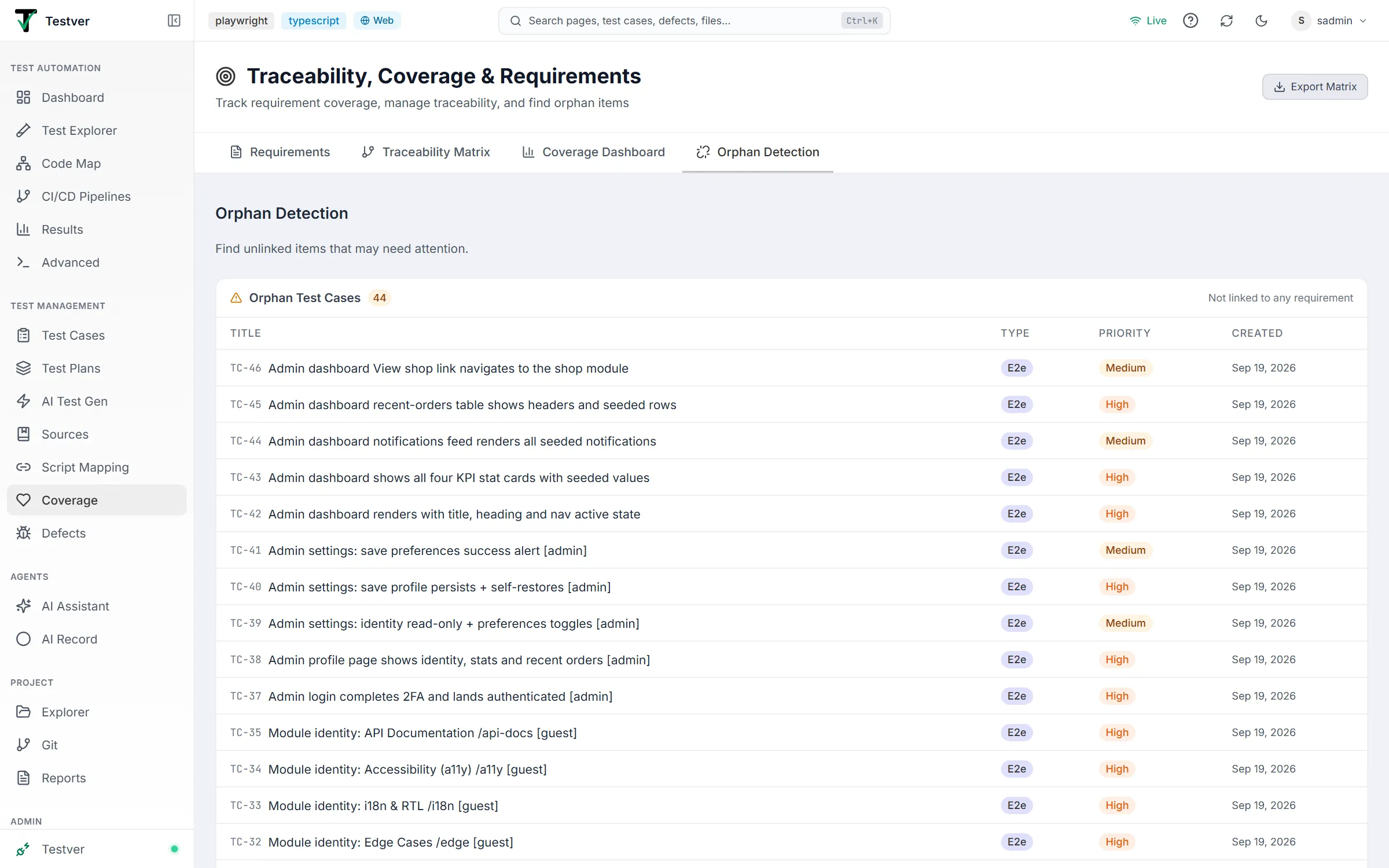
The Orphan Detection Tab of the Coverage screen.
This tab is the gap list — “Find unlinked items that may need attention.” It has three sections, each with a count badge (colored when non-zero) and an all-clear empty state when there is nothing to fix.
Orphan test cases
Section titled “Orphan test cases”Headed Orphan Test Cases with the note Not linked to any requirement: test cases not linked to any requirement. Columns: Title (with mono id), Type (colored badge), Priority badge, Created date. Empty state: “No orphan test cases — All test cases are linked to requirements.”
Unmapped Test Scripts
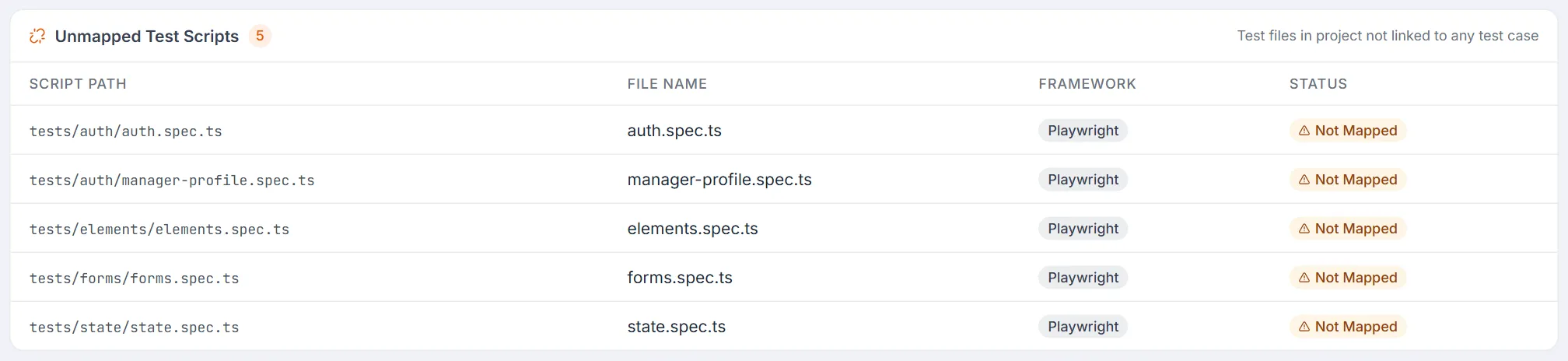
Section titled “Unmapped Test Scripts”Headed Unmapped Test Scripts with the note Test files in project not linked to any test case. The count badge counts the unmapped files. The section merges two related problems in one table with the columns Script Path, File Name, Framework and Status:
| Status pill | Meaning |
|---|---|
| Not Mapped (amber) | A JavaScript/TypeScript test file (*.spec.*, *.test.* or *.e2e.*) found in the project directory whose path no mapping uses. The framework is read from the file’s imports (@playwright/test → Playwright, cypress → Cypress, @wdio/webdriverio → WebdriverIO, vitest → Vitest, jest → Jest); a file that imports test from a shared fixtures file shows the project’s detected framework instead; failing both it is guessed from the path, and it reads Unknown when it can’t be told. |
| Orphaned (red) | A previously-mapped script whose test case no longer exists — a broken link. Shown on a faint red row tint. |
Empty state (only when both lists are empty): “No unmapped scripts — All test scripts in the project are mapped to test cases.”
Orphan sources
Section titled “Orphan sources”Headed Orphan Sources with the note Sources with no generated or manually-linked test cases. Columns: Title, Type (with an emoji label: Requirement, NLP, JIRA, or Document), Created. Empty state: “No orphan sources — All sources have been used for test generation.”

Related
Section titled “Related”- Coverage overview — the screen and its tabs.