

Test AutomationCode MapTest Data tab
Test Data tab
The Test Data tab of the Code Map screen (/code-map?view=data) maps your test data the way the Methods and Steps tab maps your test code.
The Test Data tab inventories every data file backing your tests and links it to the tests that consume it. Use it to:
- See which tests depend on a data file before you edit or delete it. Each file lists the tests that read it, and each test name opens in the Test Explorer in a new tab.
- Preview file contents without leaving Testver — sheets, columns, and rows are rendered inline.
- Spot sensitive values. Keys that look like credentials are flagged so you can check nothing secret is committed in a fixture. Their values are hidden on the server before the page receives them, and the content search never matches on them. Testers and admins can reveal a value (every reveal is recorded in the Audit Log). Viewers can’t reveal values.
- Correct the inventory. If Testver missed a data file, include it; if it picked up something that isn’t test data, ignore it. Both are overrides you can undo. They change the map for everyone, so they need the tester role or above.
Where the Methods and Steps tab finds dead code, the Test Data tab finds orphaned and over-shared data — a spreadsheet nothing reads any more, or one that forty tests all depend on.
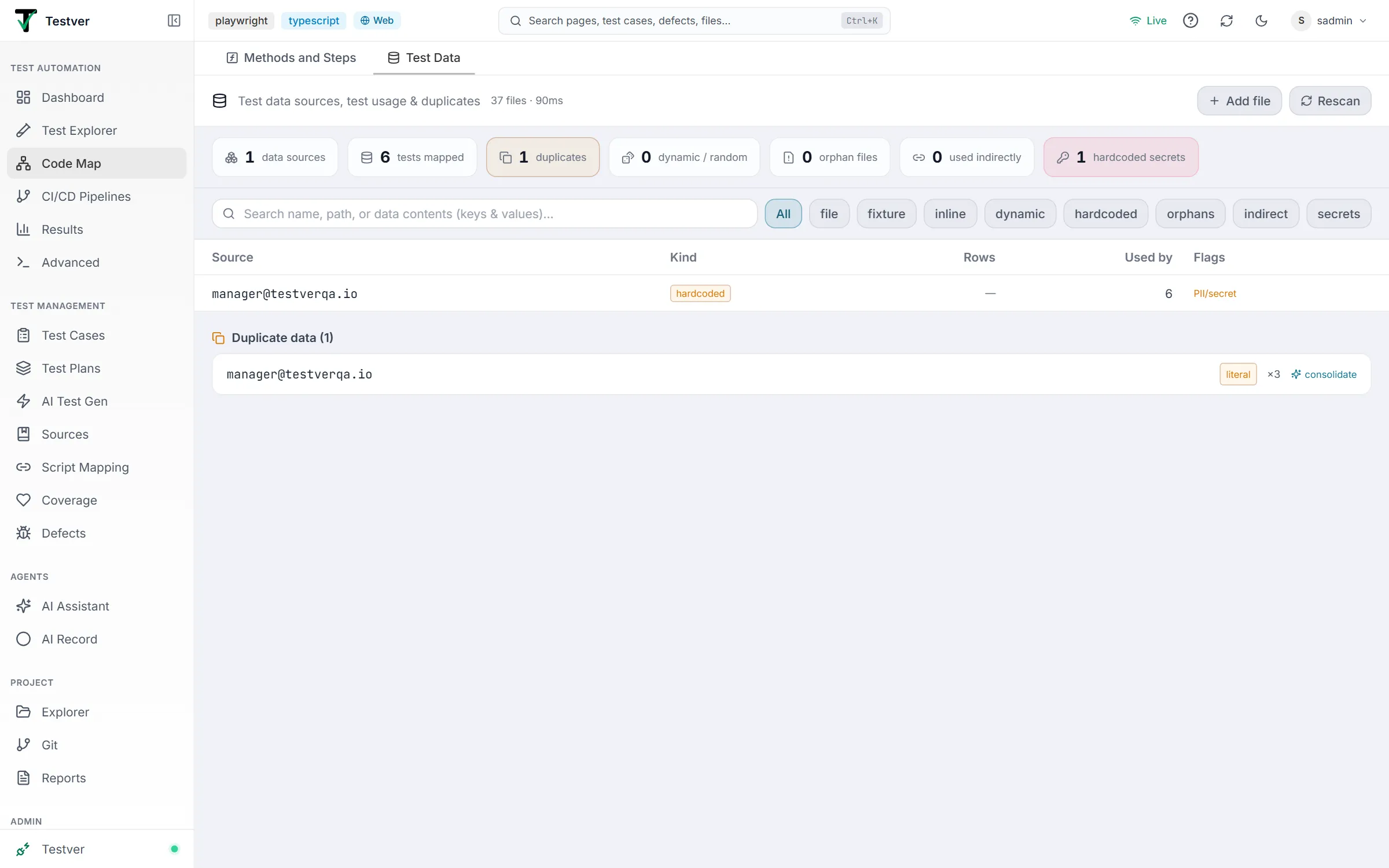
Header and stats
Section titled “Header and stats”The header reads “Test data sources, test usage & duplicates”, followed by how many files were scanned and how long the scan took. On the right:
| Button | What it does |
|---|---|
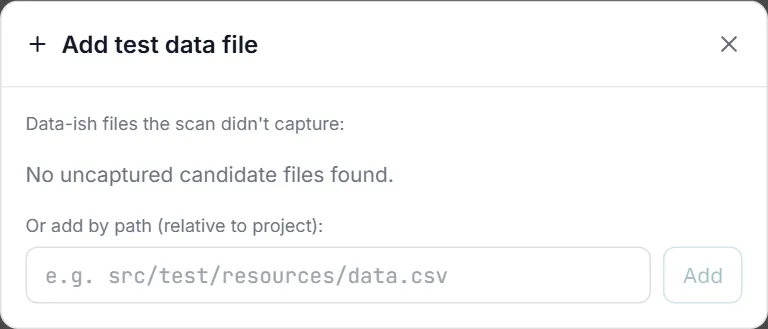
| Add file | Opens Add test data file: data-like files the scan didn’t capture (each with add), or a box to add a file by its path relative to the project. Testers and admins only. |
| Ignored (N) | Appears once you have ignored files. Lists them, each with restore. |
| Rescan | Scans the project again. |
A row of chips sums up the map: data sources, tests mapped, duplicates, dynamic / random, orphan files, used indirectly, and hardcoded secrets.
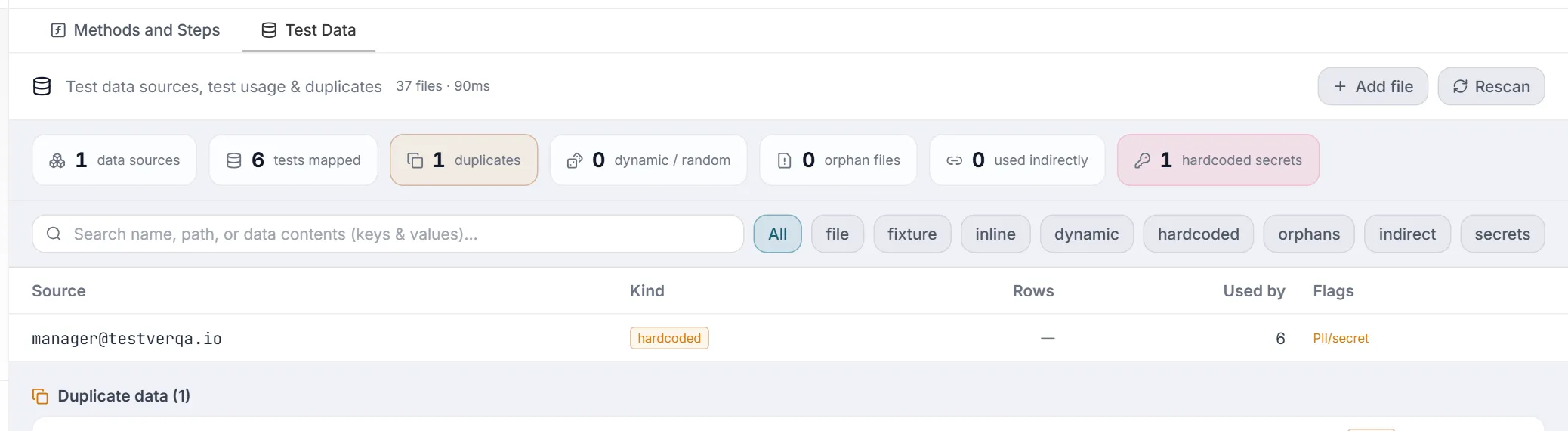
Search and filters
Section titled “Search and filters”The search box (Search name, path, or data contents (keys & values)…) matches a source’s name, path, or the keys and values inside it. Next to it, one row of chips narrows the table — pick one at a time, and click the active chip again to go back to All:
| Chip | Shows |
|---|---|
| All | Every data source. |
| file, fixture, inline, dynamic, hardcoded | Sources of that kind: data files, fixtures, data defined inline in test code, dynamic / random data generators, and hardcoded literal values. |
| orphans | Data files no test reads. |
| indirect | Sources used only through a helper or other non-test file. |
| secrets | Sources flagged as holding personal or secret values. |
The data-source table
Section titled “The data-source table”Each row shows the Source (a file’s readable name over its path, or the value itself), its Kind, Rows (row count and format, for files), Used by (how many tests read it), and Flags — added (you included it), orphan, indirect, random, and PII/secret. Hovering a file row shows an icon to ignore it (or to remove a file you added).
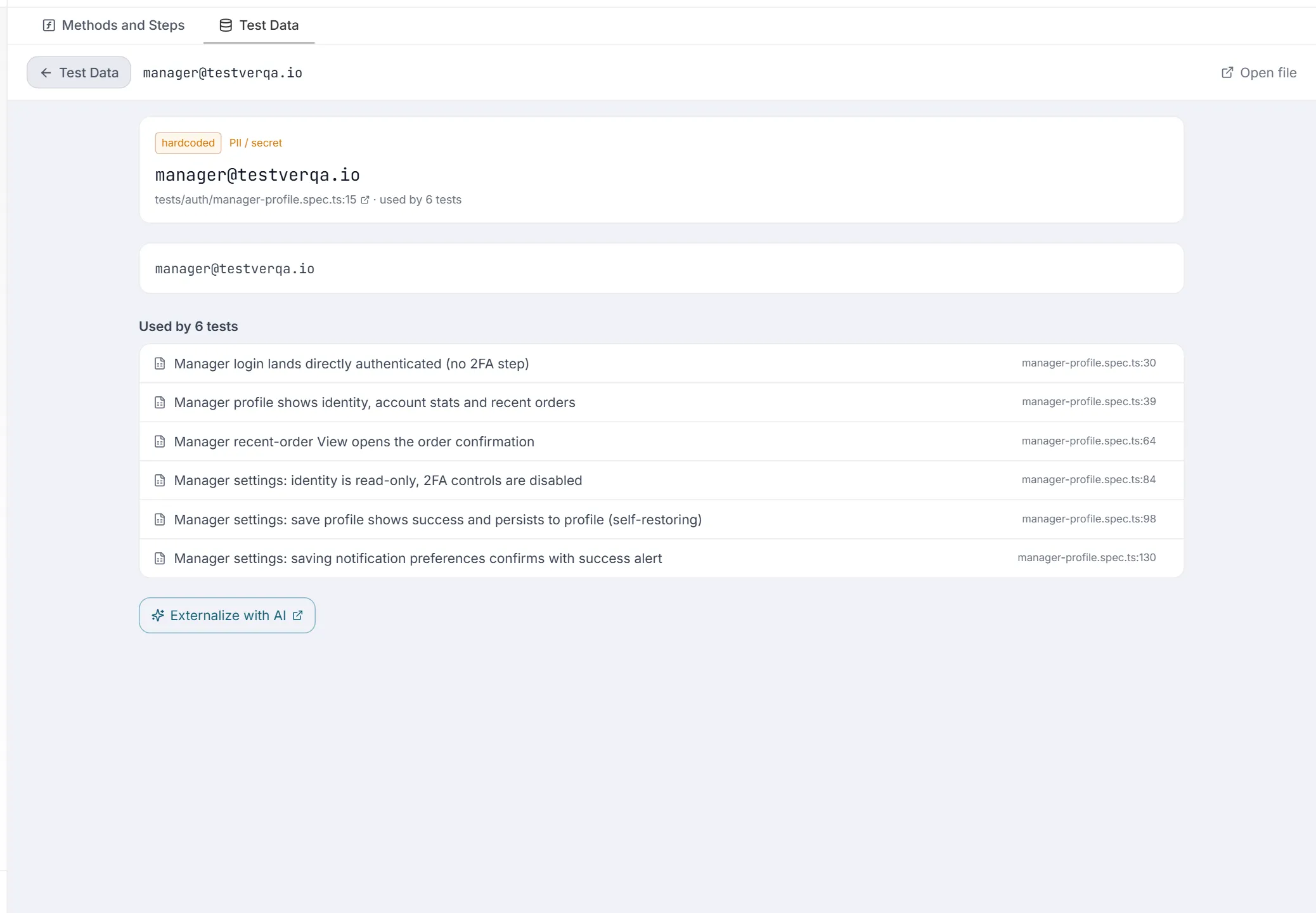
Click a row to open it. The page shows a Test Data back button, Open file (top right), the kind and flags, the file and line (opens the Project Explorer in a new tab), the data itself, and the tests that use it. For a hardcoded value, Externalize with AI opens the AI Assistant with a prompt to move it into a managed dataset or environment variable; for dynamic data, Analyze with AI asks how it affects determinism.
Duplicate data
Section titled “Duplicate data”Below the table, Duplicate data (N) lists values that appear in more than one place (the first 30 clusters). Each shows the value, its type (for example literal), how many times it occurs (×N), and consolidate, which opens the AI Assistant with a prompt to plan merging the copies into one shared dataset or constant.
Related
Section titled “Related”- Code Map overview — the screen and its two tabs.
- Methods and Steps tab — the code half of the Code Map.
- Test Explorer — where a data file’s linked tests open.