

ReferenceAbout Testver
About Testver
What the About screen is
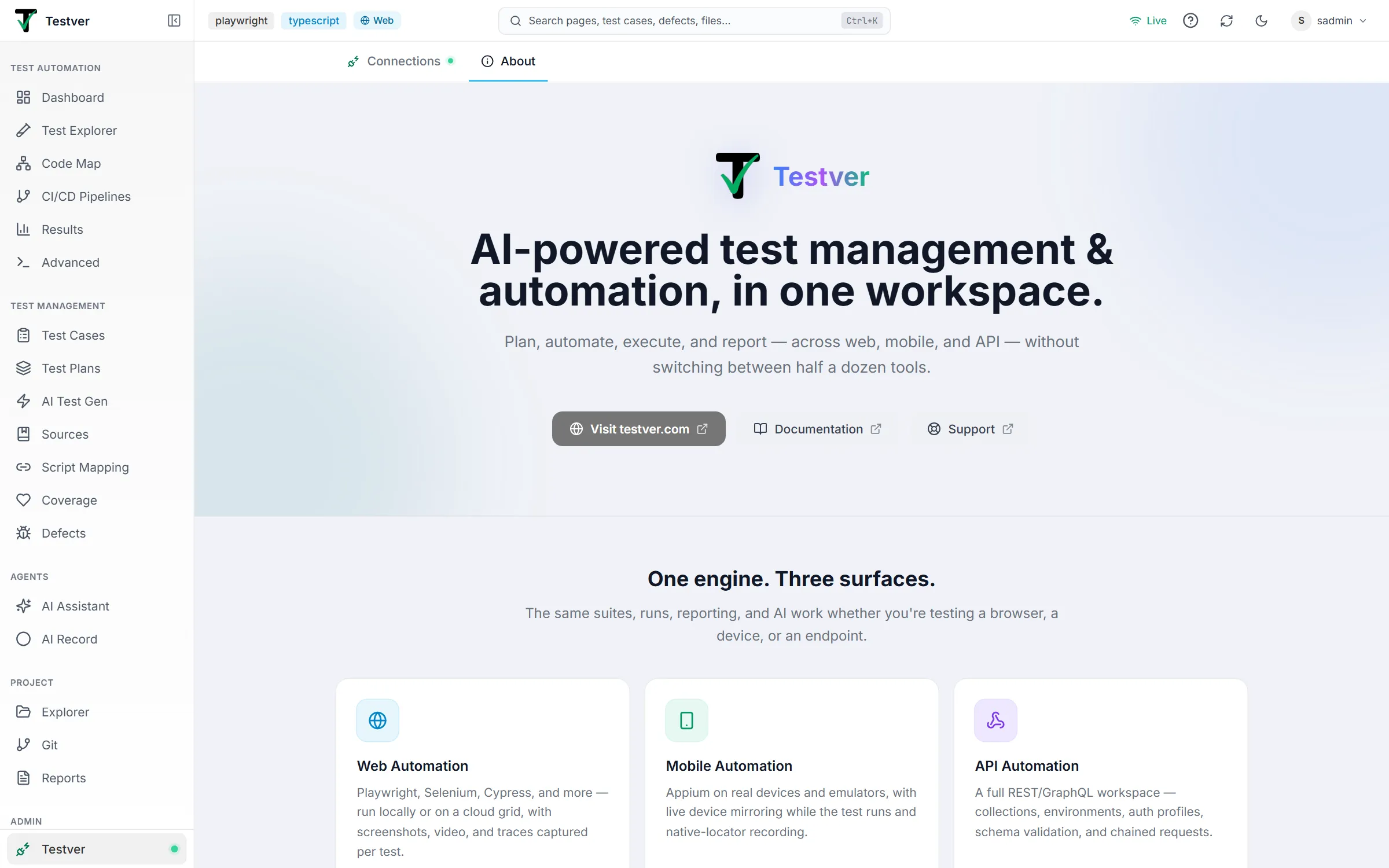
Section titled “What the About screen is”About Testver (at /testver/about; the old /about address redirects there) is the app’s own introduction to itself. It’s the About tab of the Testver screen, which opens from the Testver entry pinned at the bottom of the left sidebar, below the navigation groups — so it stays reachable from anywhere without taking up space in a feature group. The screen’s other tab, Connections (/testver, the tab the sidebar entry opens first), is where you connect your Testver account. You can also reach both from the Command Palette as Testver: About and Testver: Connections.
It’s the right place to send someone who has just been given a Testver login and is asking “what is this thing?”
What’s on it
Section titled “What’s on it”| Section | What it gives you |
|---|---|
| Headline & links | A one-line statement of what Testver is, with Visit testver.com, Documentation, Video tutorials and Support buttons (each opens in a new tab). |
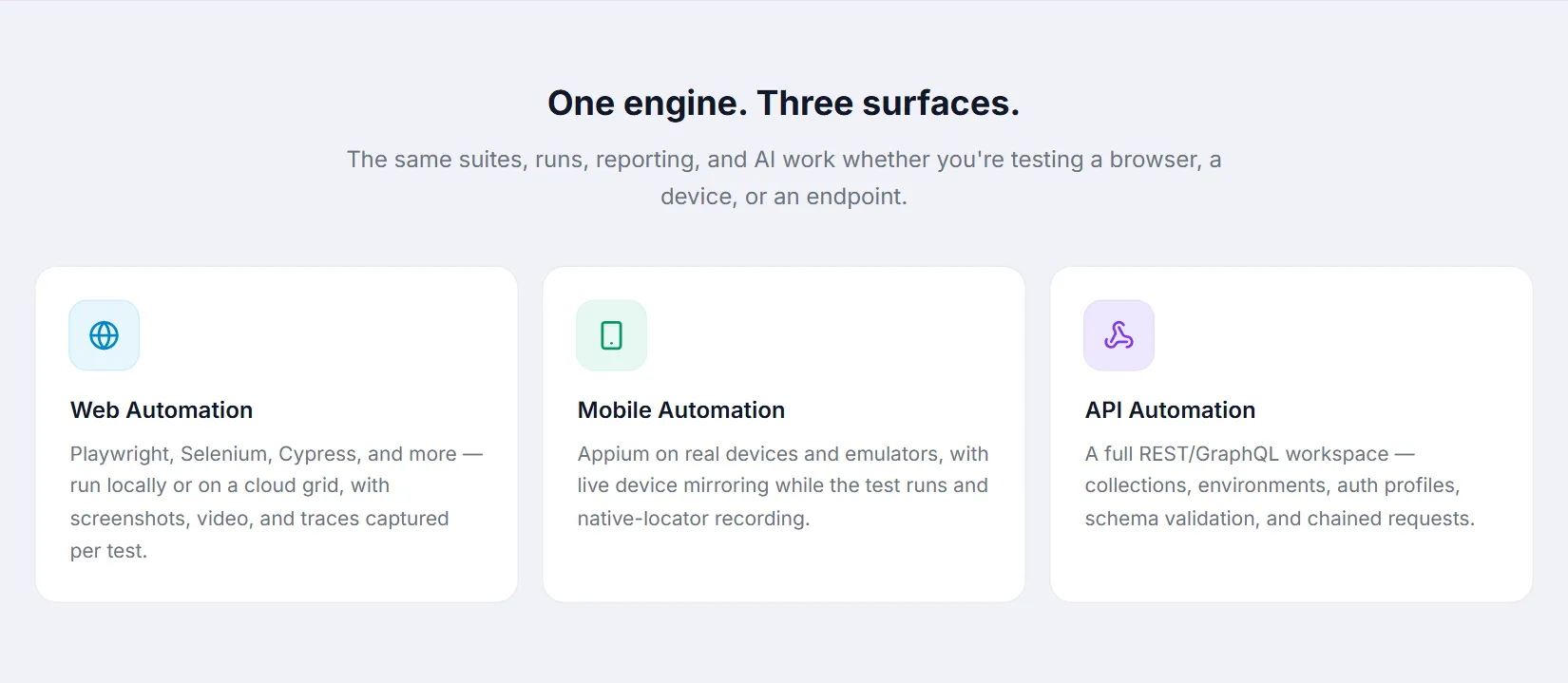
| One engine. Three surfaces. | Cards for Web Automation, Mobile Automation and API Automation — the same suites, runs, reporting and AI across all three. |
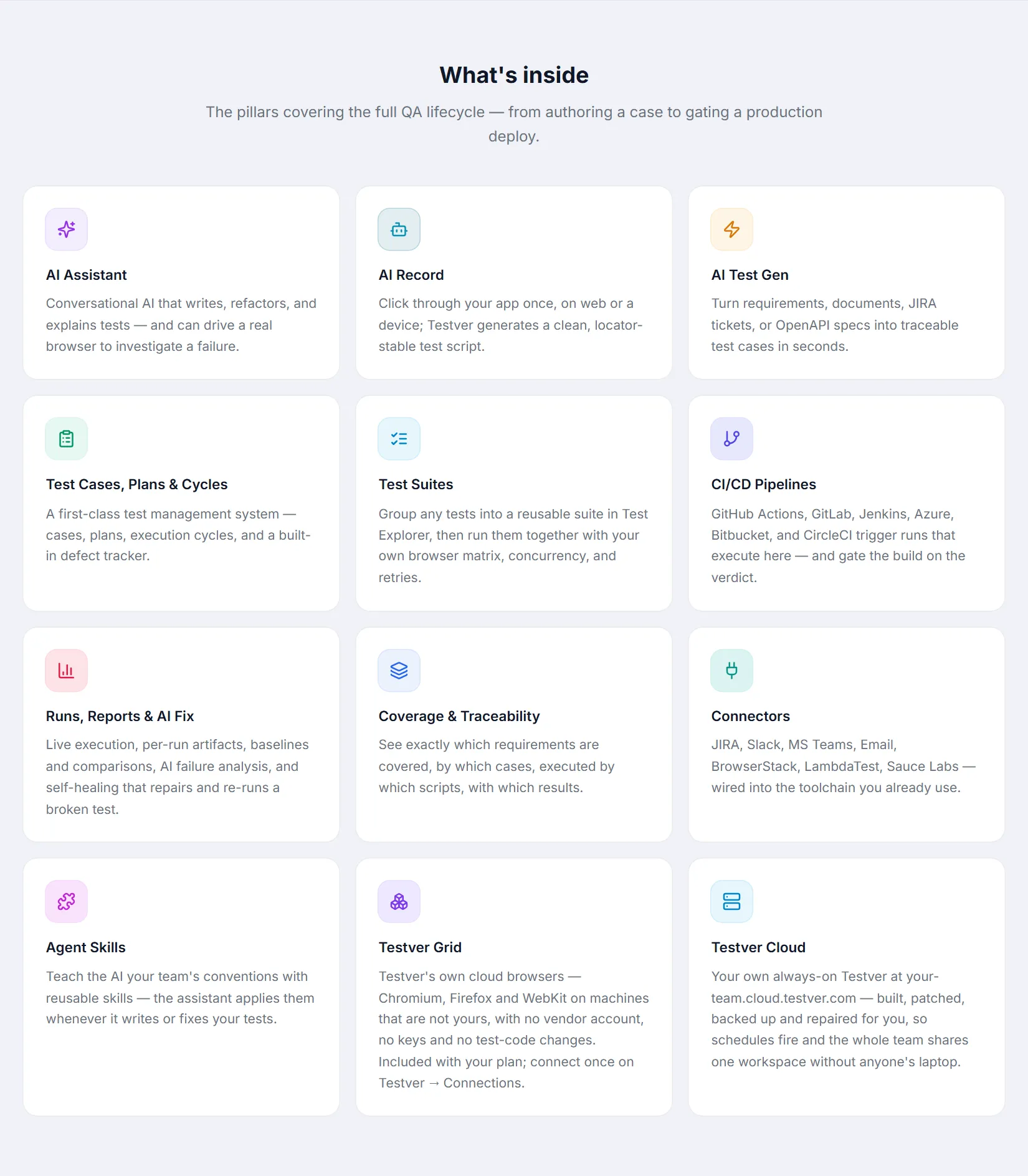
| What’s inside | Twelve capability cards — AI Assistant · AI Record · AI Test Gen · Test Cases, Plans & Cycles · Test Suites · CI/CD Pipelines · Runs, Reports & AI Fix · Coverage & Traceability · Connectors · Agent Skills · Testver Grid · Testver Cloud — so you can see the shape of the product at a glance. |
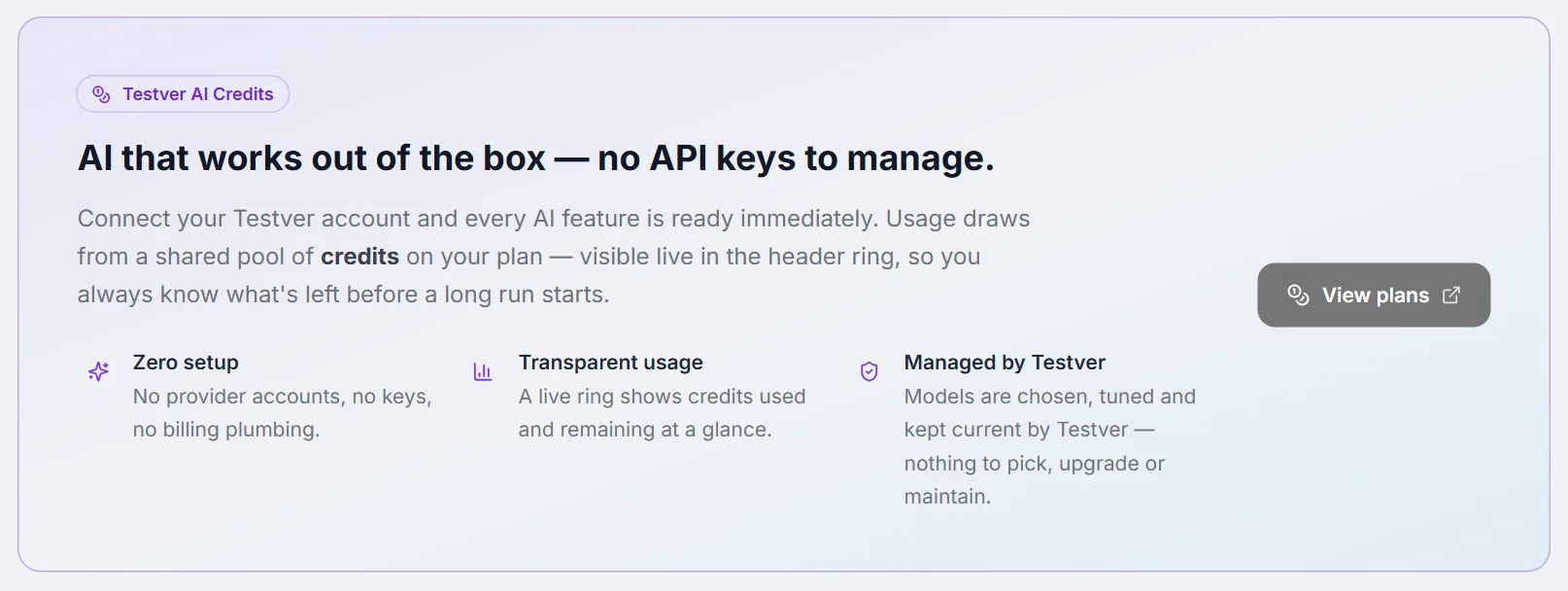
| Testver AI Credits | AI that works out of the box — no API keys to manage: how Testver AI draws on your plan’s credits, with a View plans button. |
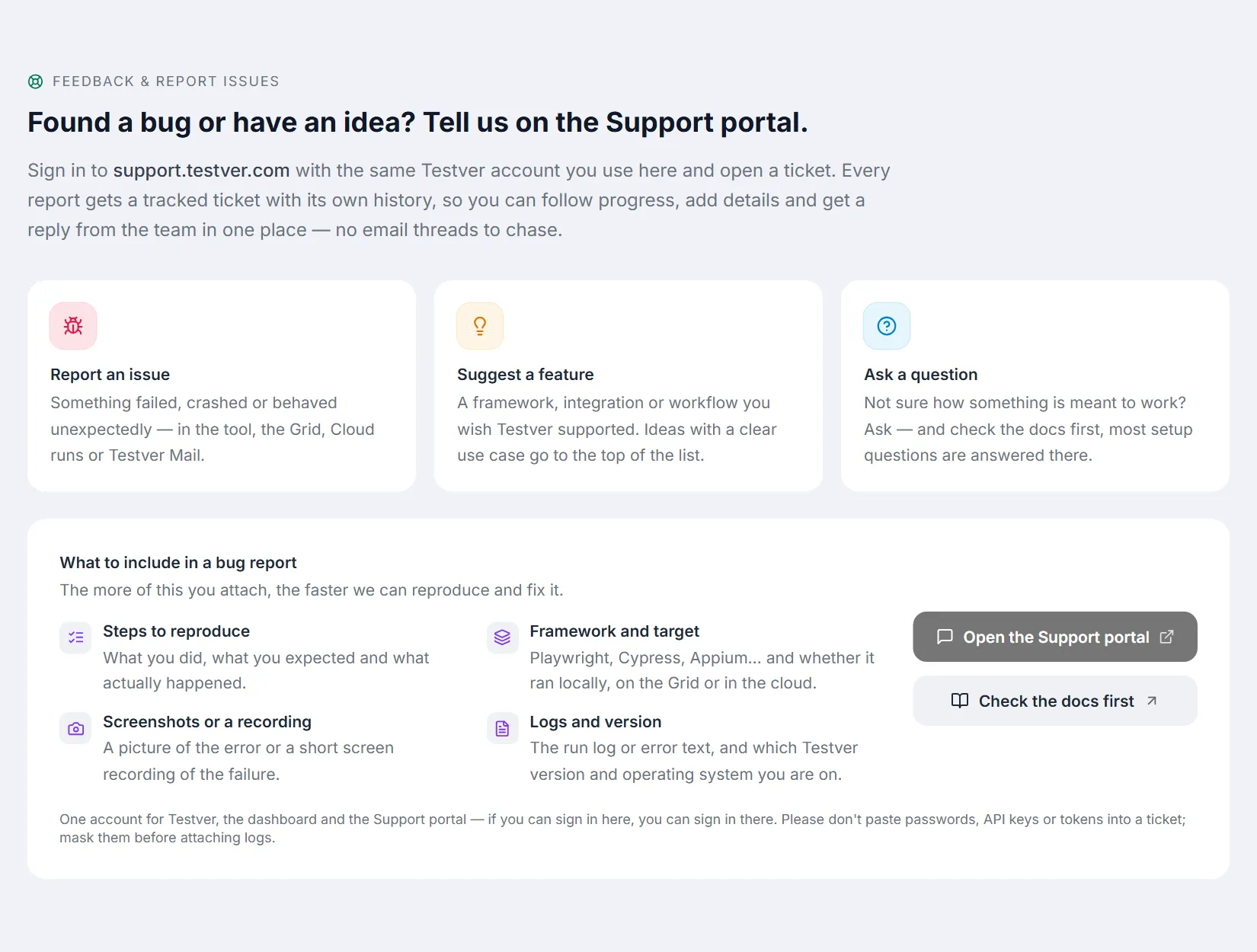
| Feedback & report issues | Routes you to the Support portal — Report an issue, Suggest a feature, Ask a question — with a checklist of what to include in a bug report and Open the Support portal / Check the docs first buttons. |
| Follow us | Links to Testver on YouTube, LinkedIn and X. |
| Footer | Copyright line. |

When you’d use it
Section titled “When you’d use it”- Onboarding a teammate. Point them here before the 5-minute tour — it frames why the screens exist before they start clicking through them.
- Finding official resources. The Documentation and Support buttons at the top, and the Feedback & report issues section, are the in-app route to documentation and the Support portal, so you don’t have to search for the right link.
- Following product updates. The social links are the quickest way to keep up with new capabilities.
Related
Section titled “Related”- A 5-minute tour — a guided walk through the app’s layout and navigation.
- Install Testver — getting the app running.
- FAQ — common questions.