

Test AutomationCI/CD PipelinesTrace tab
Trace tab
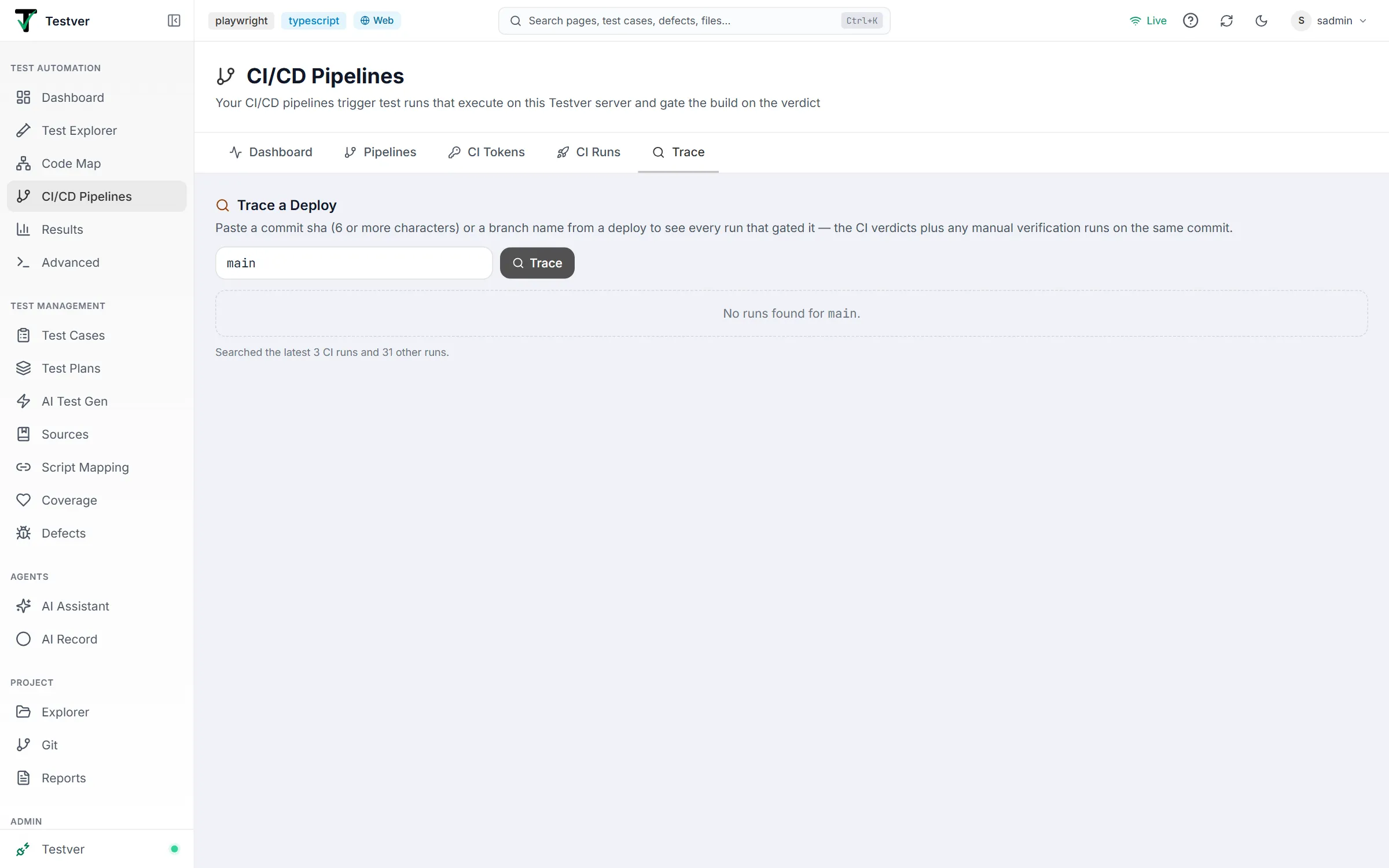
The Trace tab of the CI/CD Pipelines screen (/pipelines?tab=trace) answers a question that usually takes an afternoon of digging: “what actually tested this deploy?”
How to use it
Section titled “How to use it”Paste a commit SHA or a branch name into the box and press Enter (or click Trace). The search is kept in the address bar (?tab=trace&q=…), so a trace can be bookmarked or shared and runs again when opened.
| Input | Matching |
|---|---|
| Commit SHA | Six characters or more. Matches whether you paste the short or the full SHA. |
| Branch name | Exact match, case-insensitive. |
What comes back
Section titled “What comes back”Two groups of results, in one list:
- CI runs — the pipeline-triggered runs for that commit or branch, each with its verdict, build number, result counts, any error, duration, a link to the CI build, and a link to the full Testver report.
- Other Testver runs on the same commit — manual re-verifications, suite runs someone kicked off from the UI, scheduled runs — each with where it came from and its status. These aren’t in the CI history, but they did test that code, so leaving them out would give a misleading answer.
A note under the list says how many runs were searched.
That second group is the point of this tab. “The pipeline passed” and “everything that ran against this code passed” are different statements, and during an incident the difference matters.
When results are empty
Section titled “When results are empty”- The trigger didn’t carry a commit. A plain
testver trigger --mapping …with no--sha/--branchrecords no commit, so it can’t be traced. The generated CI configs always send them; add--shawhen triggering from your own scripts. - The project isn’t a git repository, so Testver has no commit metadata to record against runs.
- The SHA is too short — six characters is the minimum, to avoid matching half your history. Testver says so when a short hex string looks like a SHA.

Related
Section titled “Related”- CI/CD Pipelines overview — how trigger metadata gets recorded.
- CI Runs tab — browse runs by pipeline, branch, and environment instead.
- Results — the full report for any run in the results list.
- Git — the commit history the SHAs come from.